
Production & shop floor

QR code labels & production prints for glass

Print labels with QR codes and production-order documents, and generate the output files your cutting and optimization machines need - Boza, Opty-Way, PerfectCut.
en__qr_scanning
Key capabilities

What's in the QR labels & prints module

service_2_1

QR label printing per element / pane

Every element and pane gets its own QR label, so the right glass is identified - and trackable - through every stage.

service_2_2

Production-order prints

The production-order document the floor works from, generated from the application - consistent with what was planned.

service_2_3

Boza output

Generate the output format for Boza cutting/optimization equipment, so the scheduled job runs straight on the machine.

service_2_3

Opty-Way output

Generate the Opty-Way optimization format from the same job - no re-keying cut lists into the optimizer.

service_2_3

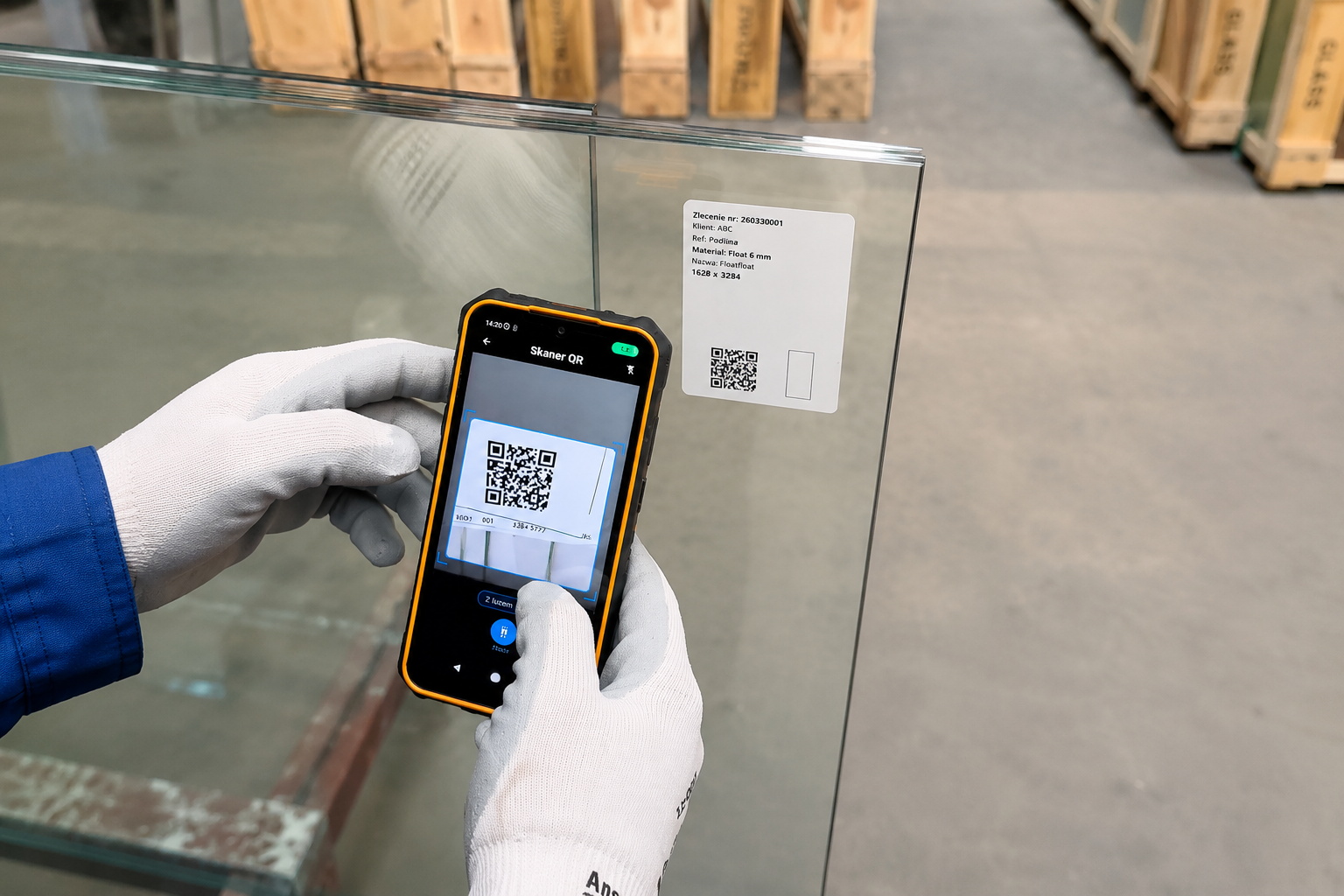
Scan-to-confirm

Operators scan the QR code on a terminal or the mobile app to confirm a stage — the label is how work gets recorded.

service_2_3

Flows into shop-floor tracking

Every scan-confirmation lands in shop-floor tracking, so the production dashboard and order status reflect the floor as scans come in.

Works with

Related modules

Work schedule

Select a scheduled job to generate its labels, production-order print and cutting-machine output.

Shop-floor tracking

Operators confirm each machining and processing stage; the order's status updates accordingly.

Mobile app

Scan QR labels with a phone or tablet on the floor - confirm work without a fixed terminal.

FAQ

QR labels & prints - common questions

Label and print outputs are set up to suit your floor during onboarding. The exact layout options are confirmed then.